WebUntis integration
WebUntis integration Digital Signage
How to connect WebUntis in DS Templates
- WebUntis integration
- How to connect WebUntis
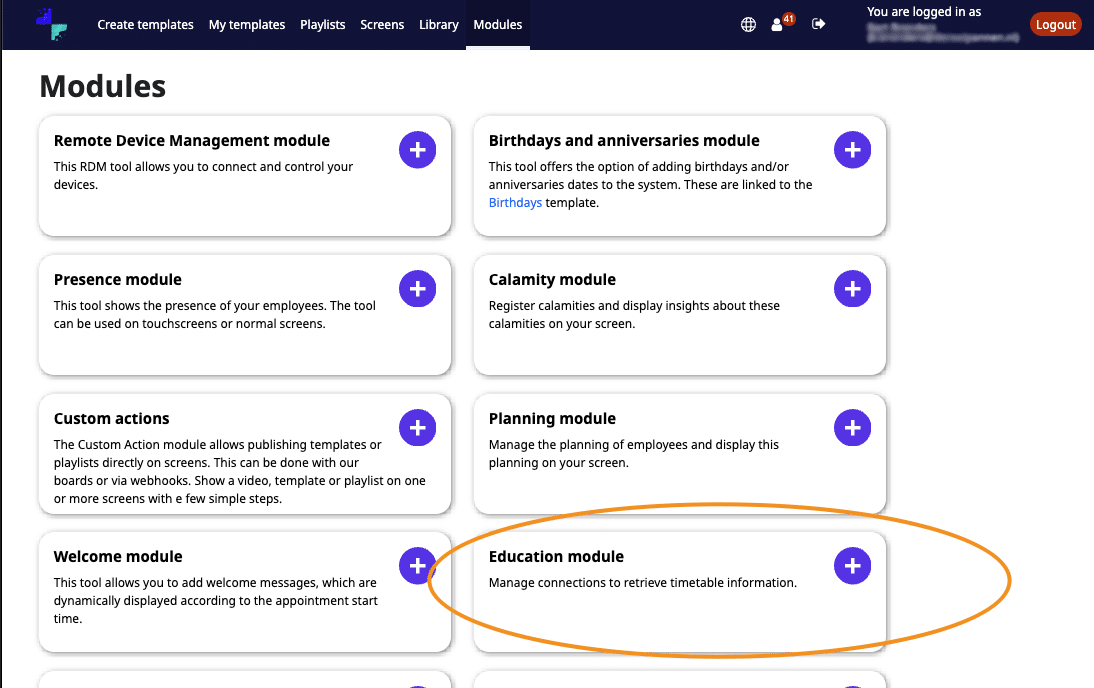
- Go to Modules and open the Education module.
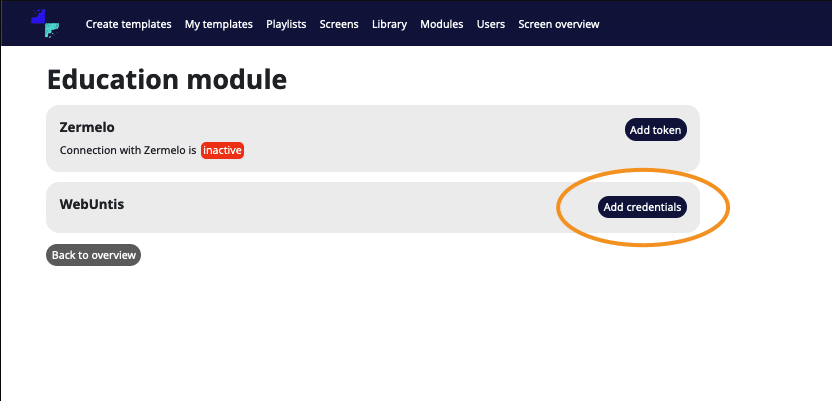
- Open WebUntis.
- Enter your credentials.
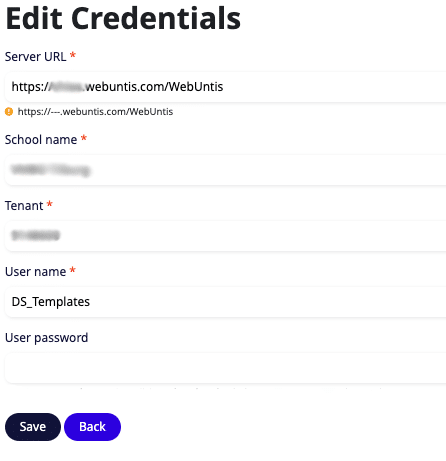
- Click Save.
- Verify that the credentials are valid.
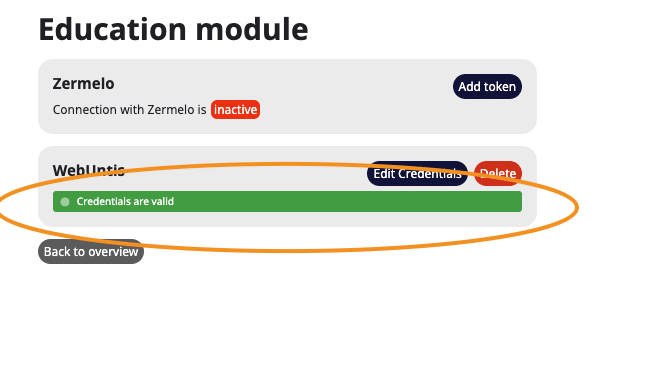
- Open the Personal Template and check if the data appears.
How can you retrieve the correct data from WebUntis?
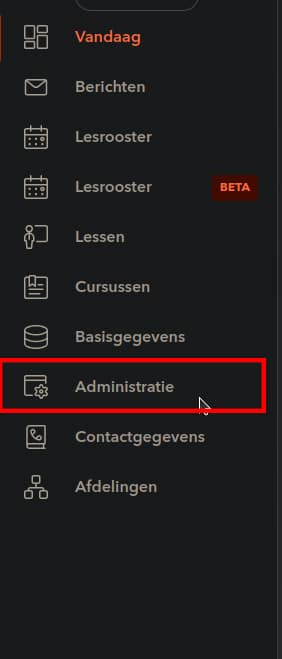
- Go to Administration
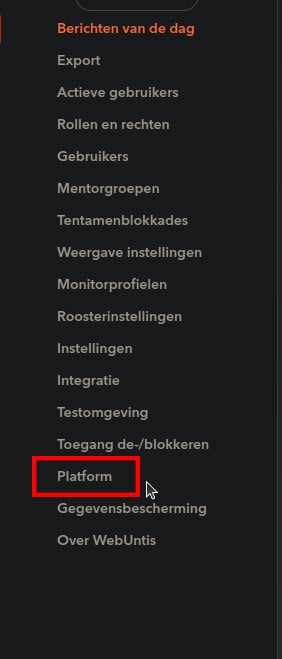
- Go to Platform
- Click on the + icon
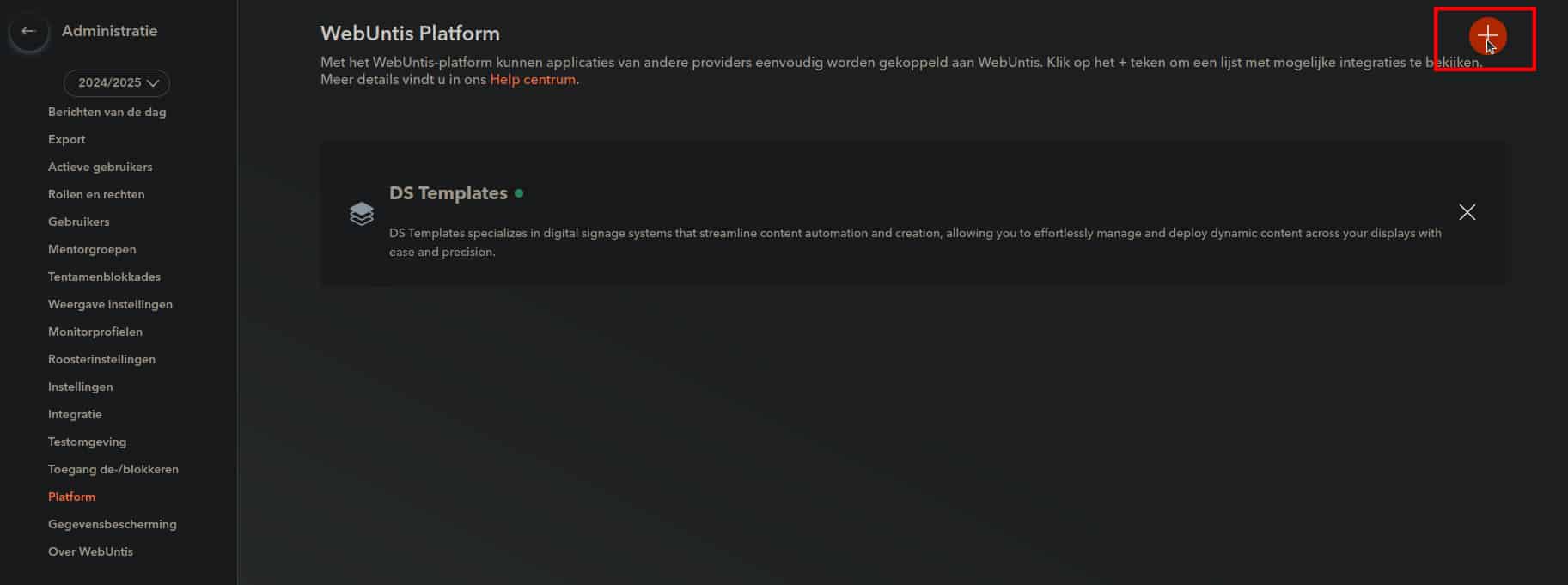
- Select DS Templates
- In this overview, you will see all the credentials needed in the Module.
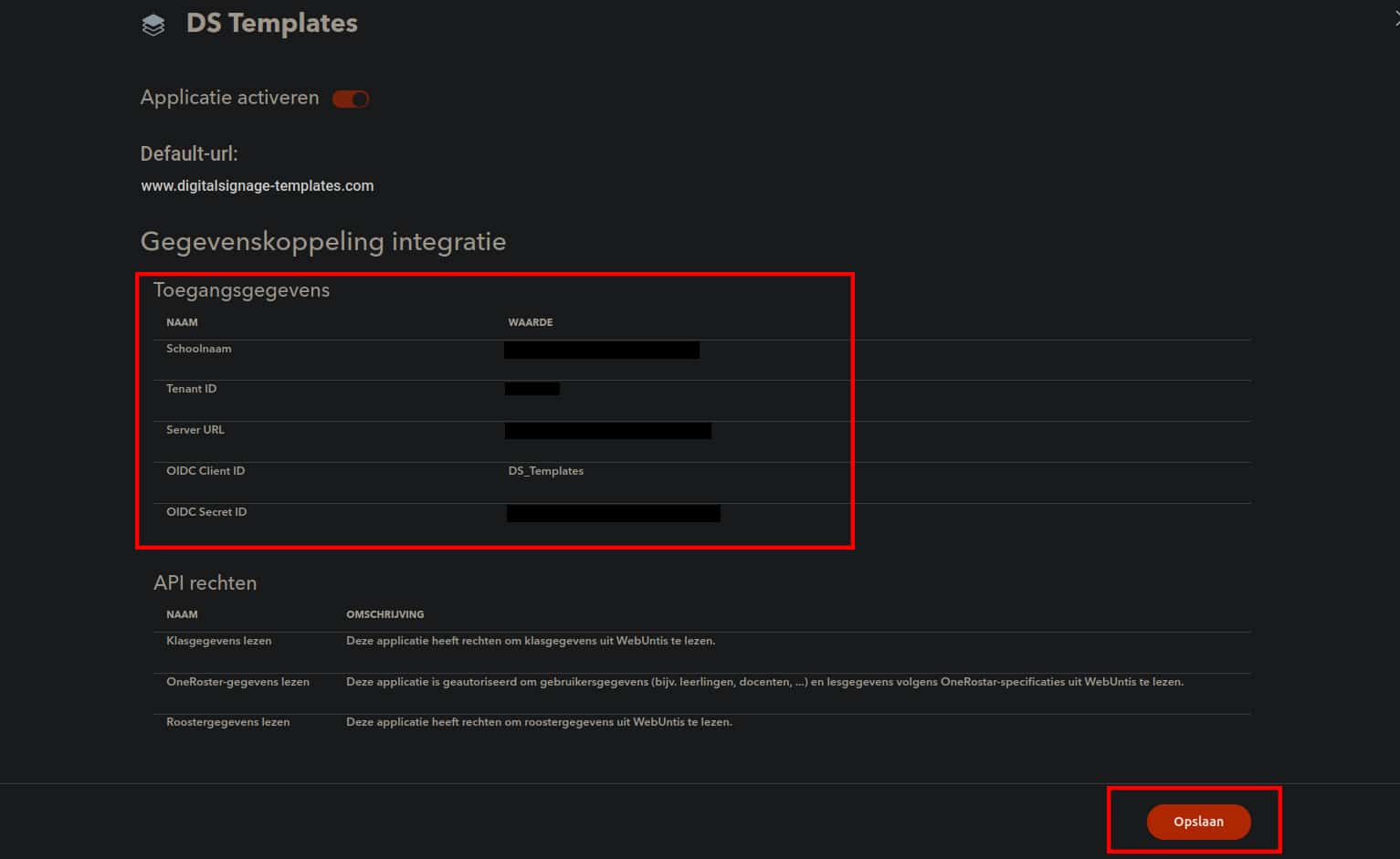
- When you click on Save, the password will become visible.
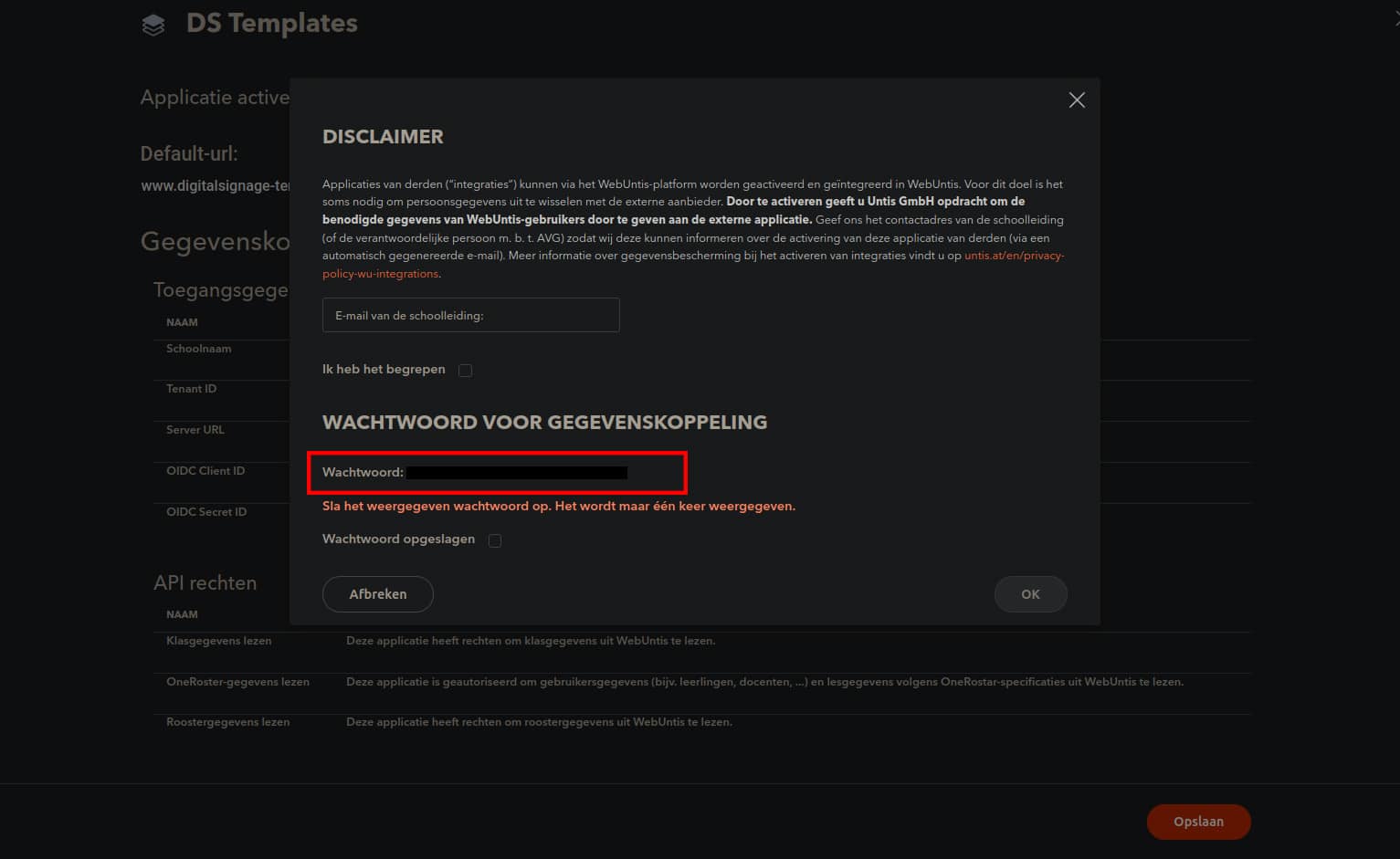
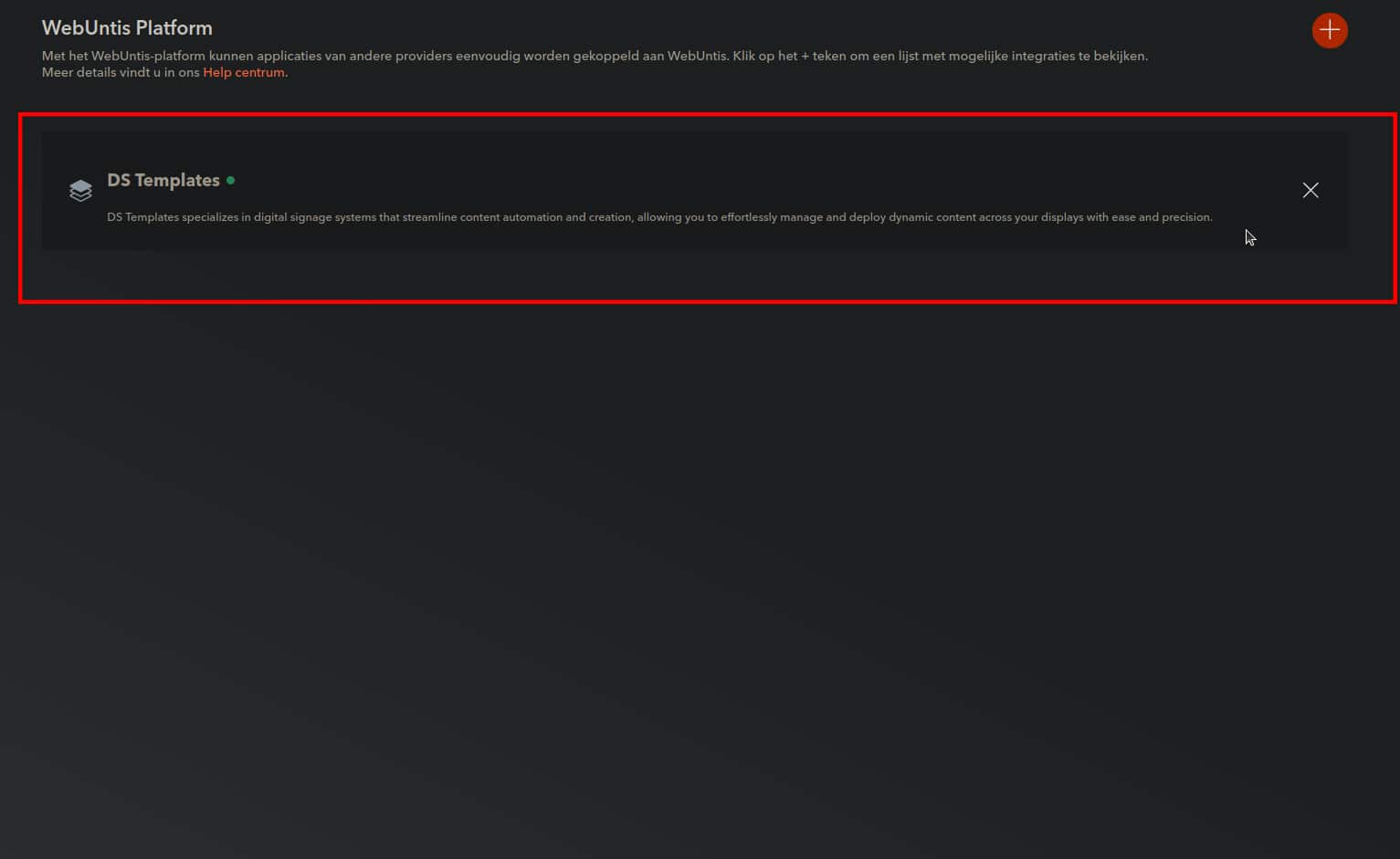
- Once finished, you will see the DS Templates application in your overview.